

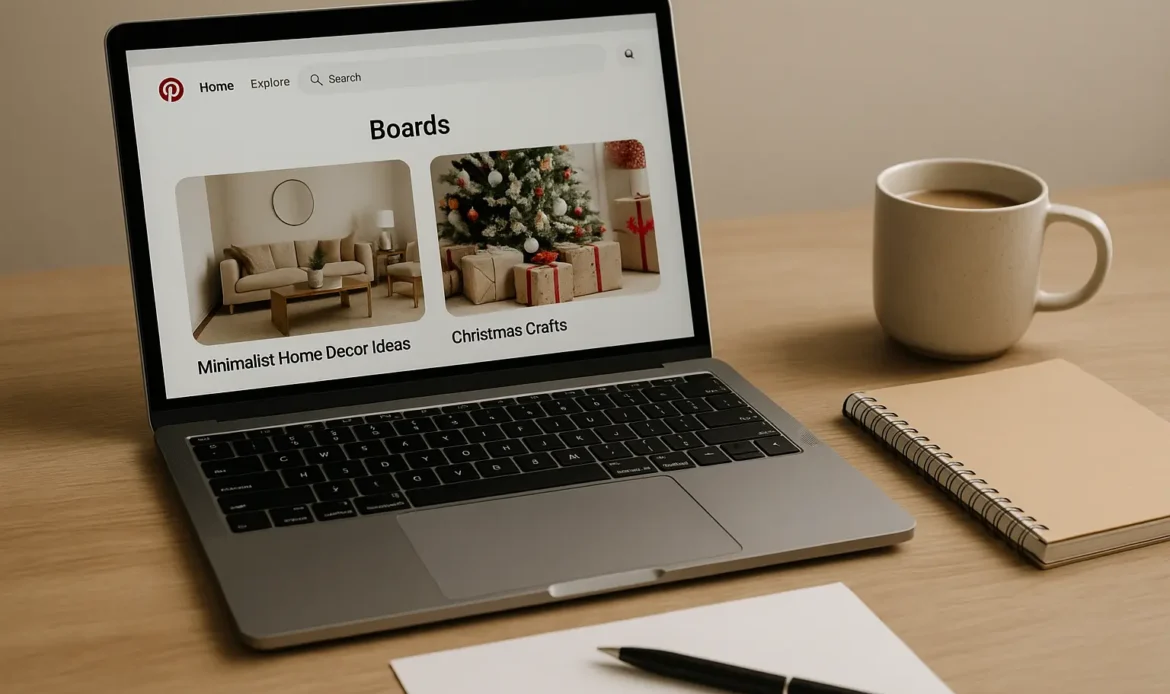
If your Pinterest impressions, saves, and clicks aren’t growing, the problem is almost never your pins. In 80% of accounts I audit as a Pinterest Pioneer, the real issue is weak board SEO.
Pinterest Boards are not “folders” or “collections.”
They are SEO containers – and Pinterest uses them to understand:
- your niche
- your audience
- your expertise
- your topic clusters
- where to distribute your pins
- how fast your new pins should rank
- whether your content is trustworthy
A poorly optimized board = low impressions, confused algorithm, weak distribution.
This is the first complete, engineering-level guide on Pinterest Board SEO for 2026, Based on current Pinterest algorithm behavior, not outdated blogging advice.
Quick Answer: What Is Pinterest Board SEO?
Pinterest Board SEO is the process of optimizing:
- your board titles
- board descriptions
- board keywords
- board relevance
- board pin alignment
- board category signals
So Pinterest’s algorithm can understand what your content is about and push it to the right audience.
Boards are weighted heavily in Pinterest’s:
- Relevance Graph
- Topic Matching System
- Freshness Ranking Model
If your boards are misaligned → your pins cannot perform, no matter how good the design is.
Why Pinterest Board SEO Matters (REAL Algorithm Reasoning)
Pinterest uses a top-down distribution model:
1. Board → 2. Pin → 3. User
Your board tells Pinterest what your pin is supposed to rank for.
If your board is unclear, misnamed, or mixed with unrelated content, Pinterest cannot attach your pins to the right:
- keywords
- topic clusters
- audiences
- search queries
This results in:
- Low impressions
- Low search visibility
- Poor distribution
- Weak analytics
- Irrelevant audience reach
When you fix board SEO, impressions rise even without posting new pins. If your impressions have recently dropped, weak board relevance is one of the biggest culprits. Read my full algorithm analysis here on why Pinterest impressions go down.
1. Optimize Pinterest Board Titles (Most Important Factor)
❌ Wrong: Cute, creative, aesthetic, branded titles
(e.g., “My Aesthetic Ideas,” “Inspo Board,” “My Style,” “Project 2026”) Pinterest cannot understand these.
✔ Correct: Clear, keyword-targeted, niche-specific titles
(e.g., “Minimalist Home Decor Ideas,” “Pinterest SEO Tips,” “Healthy Dinner Recipes,” “Modern Graphic Design Inspiration”)
How to pick the perfect board title:
Ask yourself: “What ONE keyword best defines the pins that will go inside?”
That single keyword becomes your board title.
Pinterest values:
- clarity
- niche specificity
- topical consistency
- exact phrase match
A board titled “Pinterest SEO Tips” will ALWAYS outperform “Pinterest Stuff”.
2. Write a Board Description That Boosts Search Ranking
Your board description MUST:
✔ Include the main keyword in the first 150 characters
✔ Explain the purpose of the board
✔ Use 4–7 semantic keywords
✔ Maintain natural language
✔ Avoid keyword stuffing
Example of a HIGH-performing Pinterest board description:
“Pinterest SEO tips, keyword strategies, and board optimization methods to help creators rank higher in search. Learn Pinterest keywords, board relevance, and SEO best practices for consistent growth.”Why this works:
Pinterest uses board descriptions to:
- classify your topic
- attach your board to trends
- understand your audience
- distribute your pins
Descriptions are still an active ranking signal in 2026.
3. Create Board Relevance (The Most Overlooked Ranking Signal)
Pinterest checks EACH pin in a board and looks for:
- topic consistency
- keyword alignment
- visual similarity
- audience interest overlap
If your board contains mixed pins (e.g., recipes + home decor + crafts), Pinterest cannot calculate a clear topic cluster.
Result: Your entire account loses distribution strength.
Fix: Your boards should have a single, sharp topic.
Example:
Wrong Board: “Home Decor + DIY + Cleaning Tips”
Correct Board: “Minimalist Home Decor Ideas”
This laser focus tells Pinterest EXACTLY who to send your pins to.
4. Use Board-Level Keywords (This Is How You Signal Intent)
Pinterest doesn’t use hashtags. It uses keywords to classify pins and boards.
Add keywords in:
- board title
- board description
- board categories
- pins inside the board
- pin titles
- pin descriptions
Use SEMANTIC variations:
If your board is “Christmas Home Decor,” add keywords like:
- holiday home decorating
- Christmas living room ideas
- cozy holiday home
- modern Christmas decor
This creates a keyword cluster, which Pinterest uses for ranking. If your website links trigger redirects, broken URLs, or trust issues, Pinterest may block or throttle your pins. Learn more in my guide on why Pinterest blocks websites.
5. Clean Up Your Boards: Delete or Archive Irrelevant Pins
If your board contains:
- outdated content
- irrelevant content
- off-niche pins
- low-performing content
- Pinterest recommends irrelevant topics
Your board SEO weakens instantly.
What to do:
- Move irrelevant pins to better boards
- Archive unused boards
- Delete pins causing topic confusion
This will dramatically improve impressions over 7–14 days.
6. Board Order Matters (Algorithmic Weighting)
Your top 5 boards send the loudest signals to Pinterest. Place your MOST important boards at the top of your profile.
Pinterest uses:
- board prominence
- board recency updates
- board engagement
…as signals to determine your niche.
7. Create Niche Clusters (The REAL Secret to Ranking Pins)
Top Pinterest accounts don’t create random boards. They create clusters.
Example for a Home Decor niche:
- Modern Home Decor
- Minimalist Home Decor
- Living Room Decor
- Neutral Home Decor
- Scandinavian Decor
Pinterest sees the cluster → assigns you as a Home Decor authority → boosts all your pins.
You must repeat this for YOUR niche.
8. Optimize Board Covers (User Behavior + Engagement Signal)
Board covers do NOT directly affect SEO… But they affect user behavior. Higher engagement = stronger account quality score.
Choose board covers that are:
- clean
- niche-specific
- visually consistent
- non-text-heavy
9. How Often Should You Add Pins to Boards? (2026 Algorithm Rule)
Pinterest boosts boards that stay active and topical.
Ideal:
- Add 3–10 new pins weekly
- Add 1–3 repins or updates
- Maintain niche alignment
Inactive boards lose ranking weight.
10. How to Analyze Board Performance
Look for:
- board-level impression spikes
- boards that rarely surface new pins
- boards causing irrelevant distribution
- boards Pinterest recommends new topics for
Low-performing boards are often:
- too broad
- too mixed
- too outdated
- improperly titled
Fixing boards = fixing impressions.
FAQ
Do Pinterest boards affect SEO?
Yes. Boards determine how Pinterest ranks your pins, what keywords they target, and which audiences see your content.
How many Pinterest boards should I have?
15–30 is ideal. Too many creates algorithm confusion; too few limits niche authority.
Does deleting pins hurt SEO?
Only if the pins have impressions. Delete irrelevant or zero-impact pins safely.
Should I create secret boards?
Yes, for content planning or non-niche pins. Secret boards prevent algorithm confusion.
How do I choose board keywords?
Find a single main keyword, then add 4–7 semantic variations inside your description.
Final Thoughts
Strong Pinterest Board SEO is the backbone of all Pinterest growth.
When boards are:
- clearly titled
- well described
- topically consistent
- niche aligned
- cleaned and maintained
- structured into clusters
Your impressions rise, your pins rank faster, and Pinterest finally understands your authority.